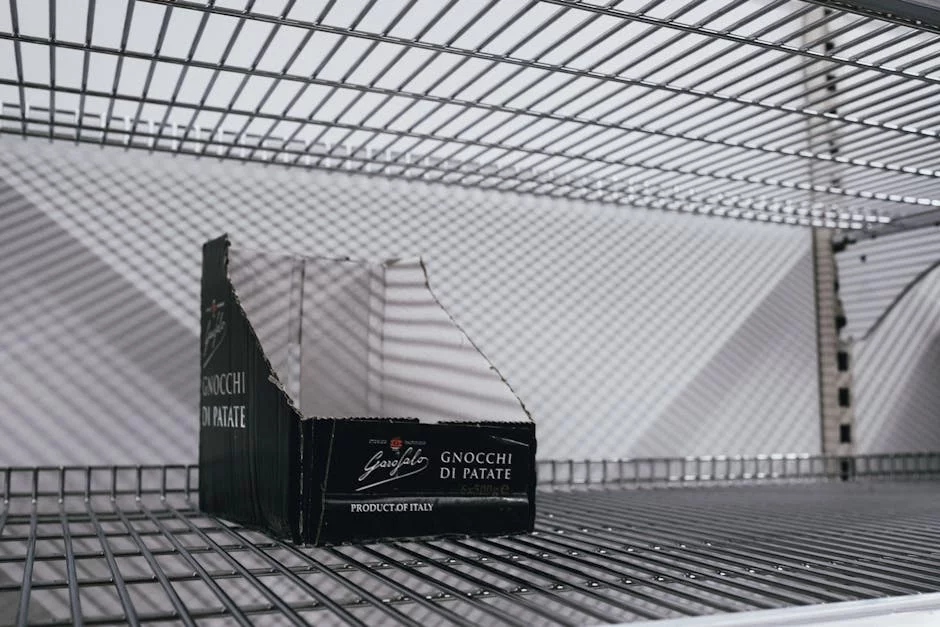
Out-of-stock messages are the worst. Here's how to find what you need even when your first-choice retailer doesn't have it.
"Out of Stock." Two Words That Ruin Your Day.
You found exactly what you want. The price is right. You go to check out — and there it is: "Out of Stock." Or worse: "Available to order — ships in 6–8 weeks."
Here's how to handle this without losing your mind.
Step 1: Don't Assume It's Unavailable Everywhere
One retailer being out of stock doesn't mean the product doesn't exist. Major retailers have different supply chains and inventory levels. What's gone at Amazon might be in stock at Best Buy. What's sold out at Target might be fully available at Walmart.
Step 2: Check Multiple Retailers at Once
This is where Alvasya saves you the most time. Instead of navigating to each retailer separately, search once and see which retailers currently have the product in stock — with direct links to each product page.
Step 3: Check In-Store vs. Online Separately
A product can be out of stock online but available on shelves at a nearby store. Inventory systems don't always sync perfectly. It's worth checking the "in-store availability" option separately from "online order."
Step 4: Consider Close Alternatives
If the exact model is genuinely unavailable, look at one tier up or down. Often a slightly different model at the same price point is fully in stock — and sometimes it's actually better.
Stop Hitting Dead Ends
Start your search on Alvasya and see the full availability picture across retailers before committing to any single one.